
USE CASES
Use cases
Combine packages, app modules and applets to suit your team. These are the most common ways to put the platform to work.
01
AI / ML teams
Manage training and inference services centrally; Jupyter, TensorBoard and other WebUIs run on one desktop; the GPU pool lets several members share one card.
Common tools: PyTorch, TensorFlow, YOLO, Stable Diffusion
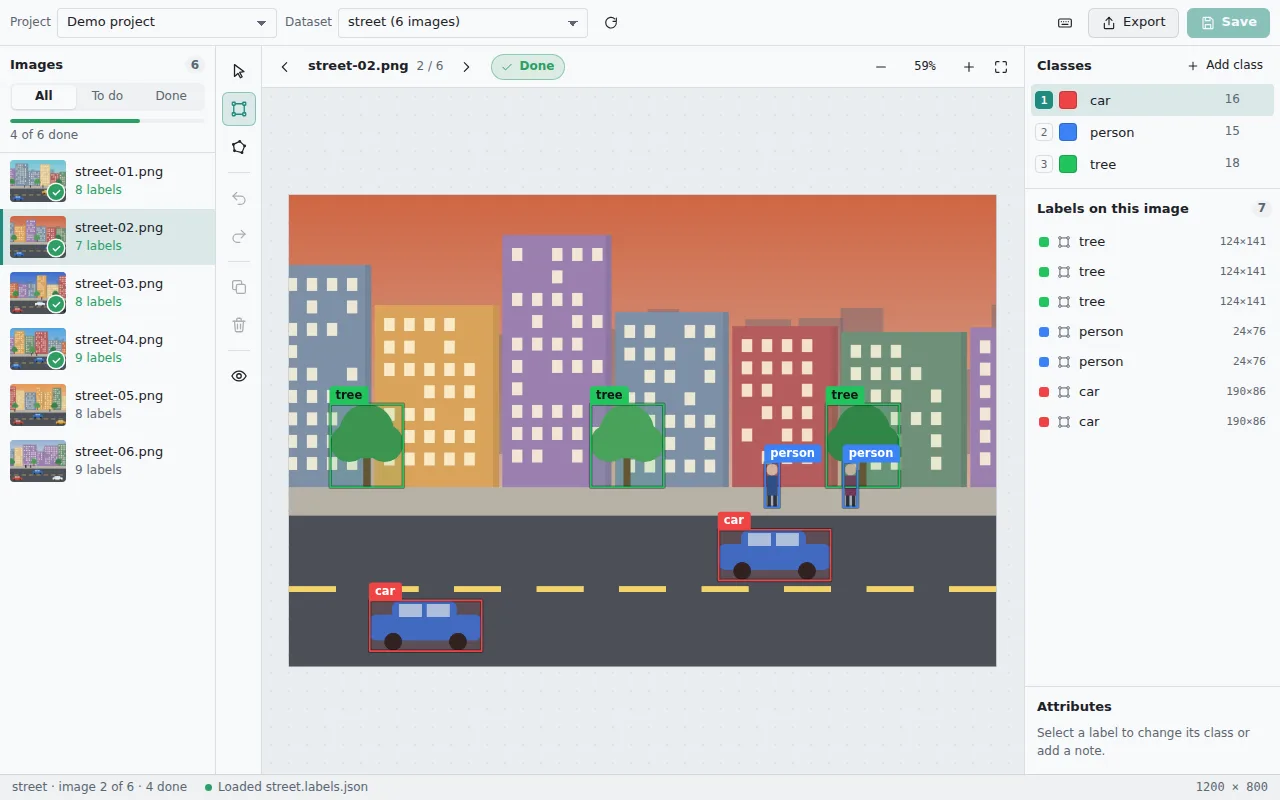
Upload and organise data
Label the data
Review the dataset
Train and monitor
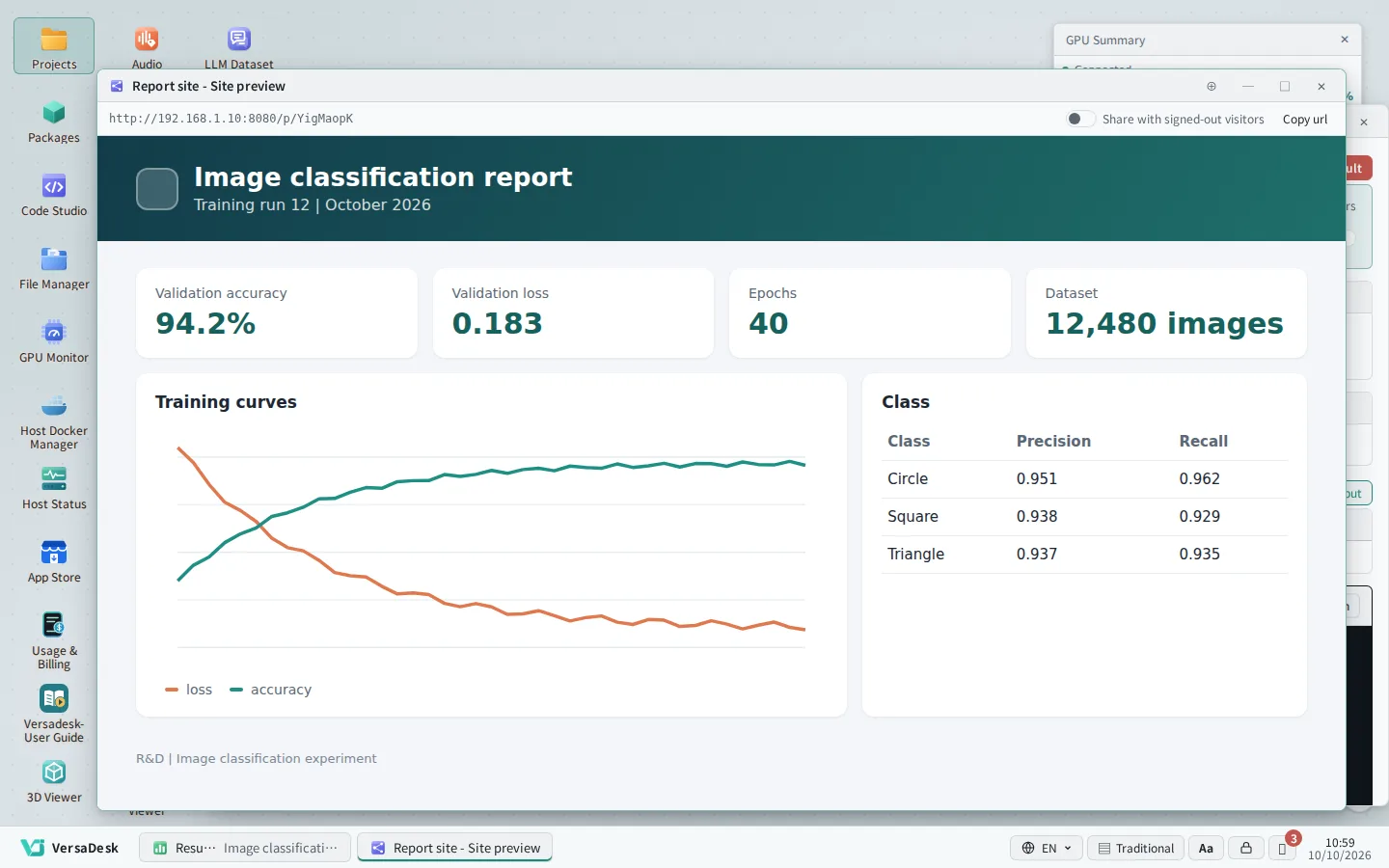
Analyse the results


02
Education and research
Teachers design Runbooks as packages and students run them with one click; projects isolate each user's data and environment, and GPU and memory limits prevent overuse.
Highlights: isolation, quotas, easy onboarding
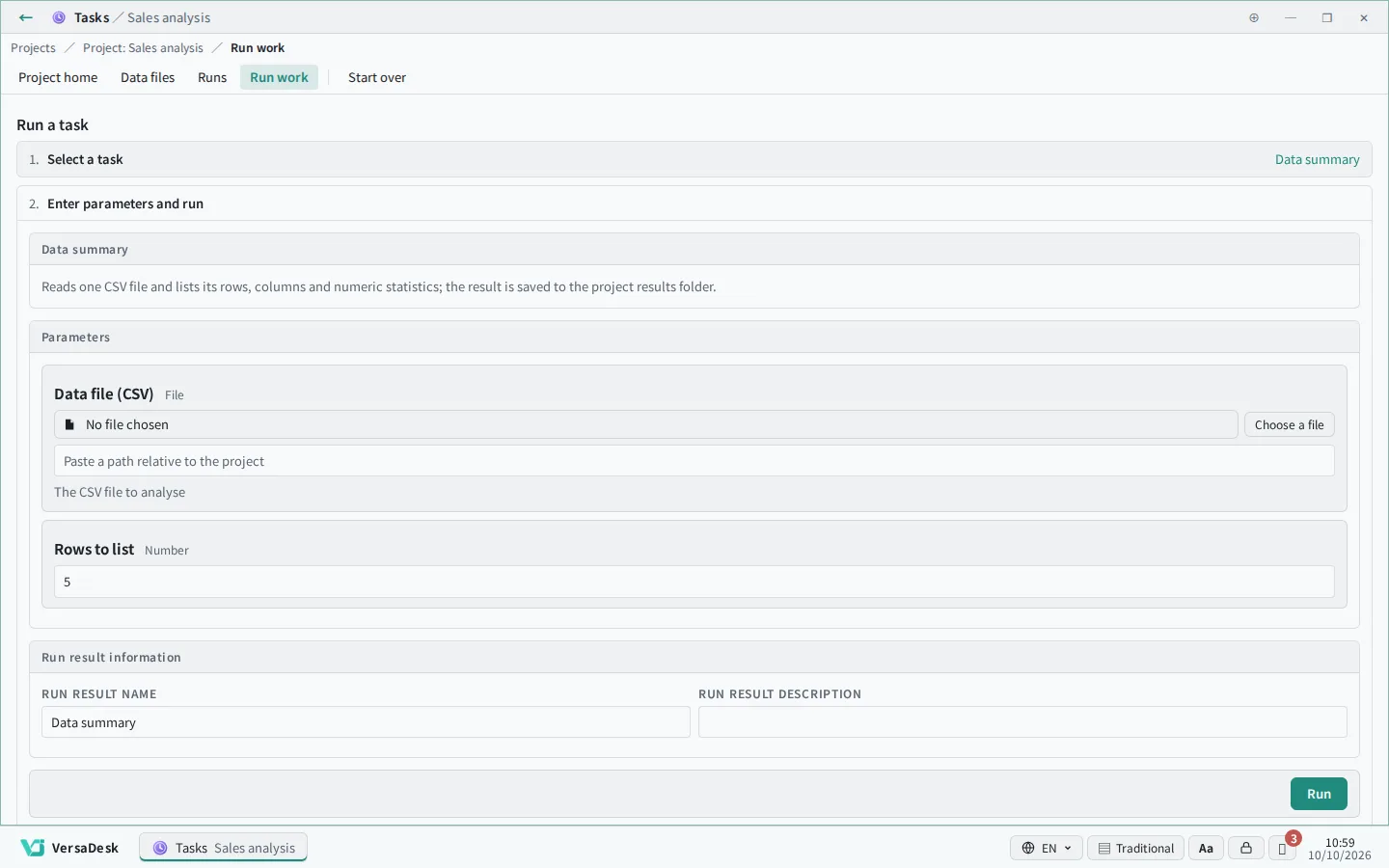
Teachers build packages and Runbooks
Students run them in their own projects
Administrators set GPU and resource limits
Results stay in the project and can be shared


03
Enterprise IT and DevOps
Internal tools are deployed to the desktop as apps or applets; project and package permissions keep departmental data apart; host Docker, status monitoring and the terminal are managed inside the platform.
Highlights: internal tools, access control, host operations
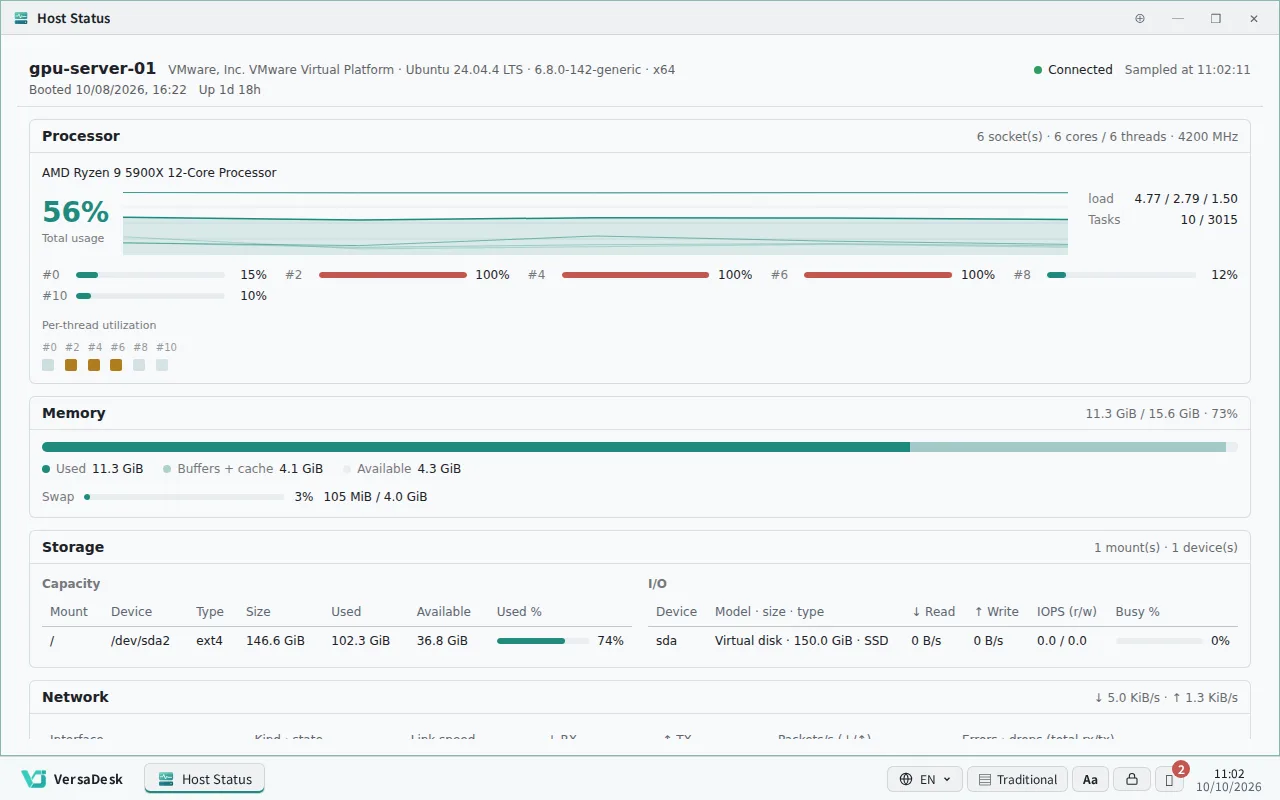
Monitor host status
Operate remotely
Tiered permissions and audit
Roll out internal tools


04
Documents and teamwork
Open and edit Word and Excel files from a project right in the browser, with a whiteboard, charts and file management alongside, so the team's material stays in one place.
Related apps: Office Documents, Whiteboard, Chart Studio, File Manager
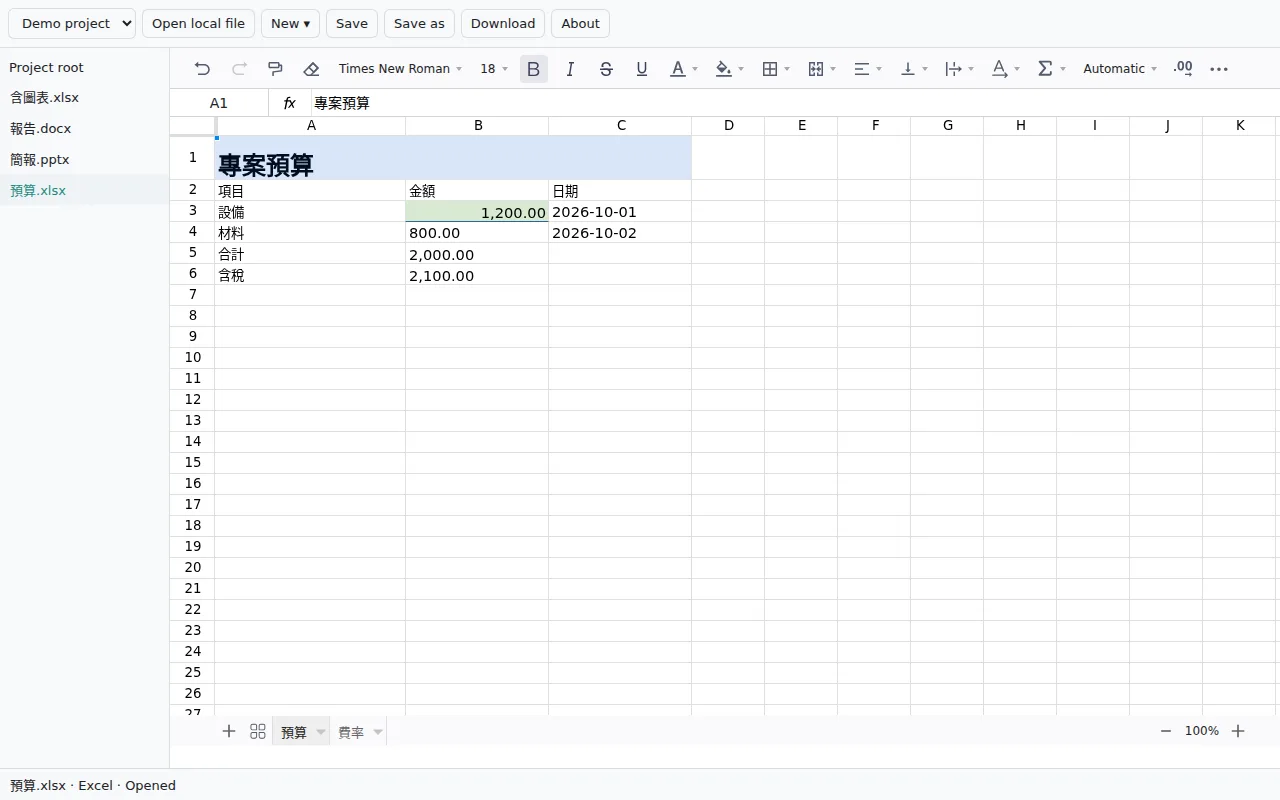
Open project documents
Discuss on a whiteboard
Build charts
Organise files


05
Games, media and other services
Game servers, video transcoding, 3D rendering — any container workload runs here, and any web console can be proxied as a desktop window.
Typical uses: game servers, transcoding, rendering
Start the service container
Reach it by subdomain or port
Use it in a desktop window
Share it with the team

